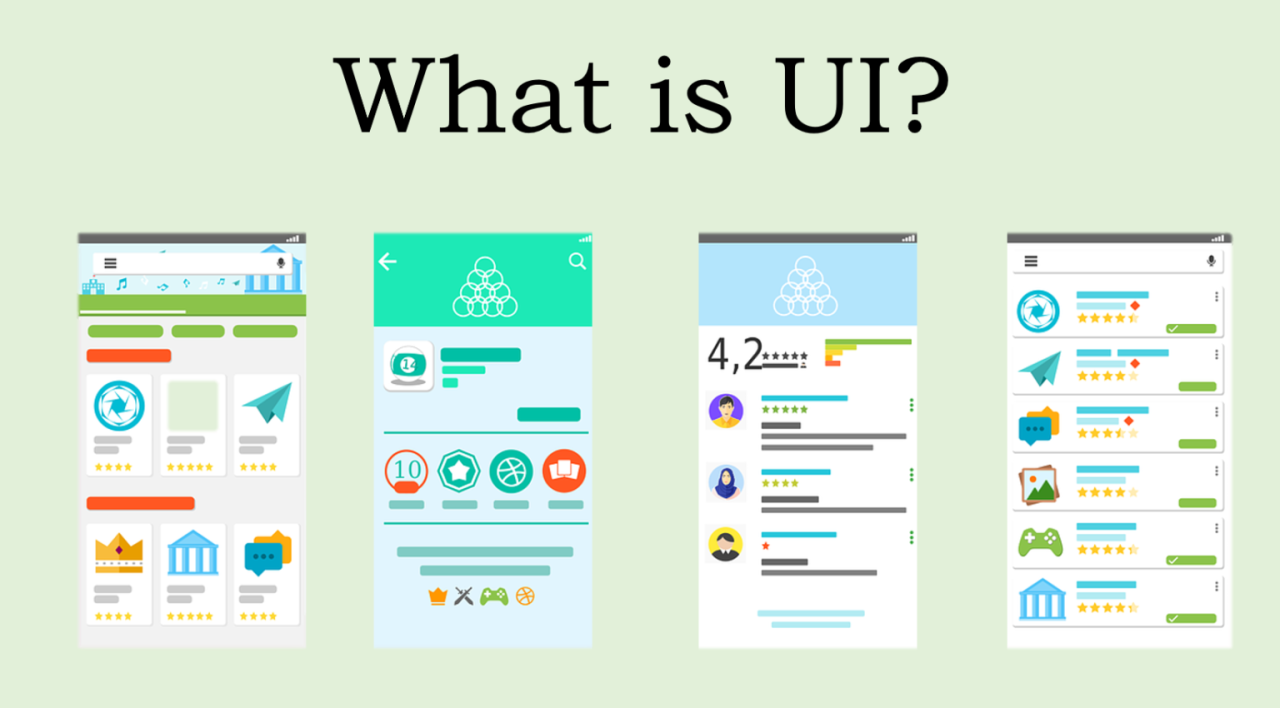
In today’s digital world, User Interface (UI) design plays a crucial role in how we interact with websites, apps, and devices. From the moment you open an app to the time you finish using it, UI determines how easy, enjoyable, and efficient your experience is.
What Is UI Design?
UI design focuses on the visual and interactive elements of a product — such as buttons, icons, typography, color schemes, and layouts. It’s about designing interfaces that not only look appealing but also make sense to the user.
A well-designed interface guides users naturally, making them feel comfortable and confident while navigating.
The Importance of Good UI
A beautiful and intuitive UI design can:
- Enhance user satisfaction by making interactions smooth and pleasant.
- Build brand trust through consistency and clarity.
- Increase conversions by helping users complete tasks easily (like signing up or purchasing).
- Reduce frustration by eliminating confusion and unnecessary steps.
Core Principles of UI Design
- Clarity: Every element should be easy to understand — users shouldn’t have to guess what a button does.
- Consistency: Using the same colors, typography, and styles across your site or app builds familiarity.
- Feedback: When users perform an action, they should get a response (like a button animation or message).
- Simplicity: Clean, minimal designs often perform better than cluttered, flashy ones.
- Accessibility: Your design should be usable by everyone, including people with disabilities.
UI vs. UX — What’s the Difference?
While UI focuses on the look and feel, User Experience (UX) deals with the overall journey of a user.
- UI = The surface (what users see).
- UX = The path (how users feel using it).
Together, they create the full experience of a digital product.
Tools Used in UI Design
Some popular tools for UI designers include:
- Figma – Great for real-time collaboration.
- Adobe XD – Excellent for prototypes and animations.
- Sketch – A favorite for macOS designers.
- Canva – Simple for quick visuals and mockups.
Conclusion
UI design is not just about making things pretty — it’s about creating functional beauty. When aesthetics meet usability, the result is a product people love to use. Whether you’re a developer, designer, or entrepreneur, understanding the basics of UI can help you create more engaging and successful digital experiences.
